UK Snagging App
Snag from a photo — without making your team install an app
Snap a room on your phone and Site Genie boxes, numbers and logs each defect against the plot, room and trade. Share each subcontractor's list with one browser link, re-check fixes by photo, and export clean PDF snag reports.
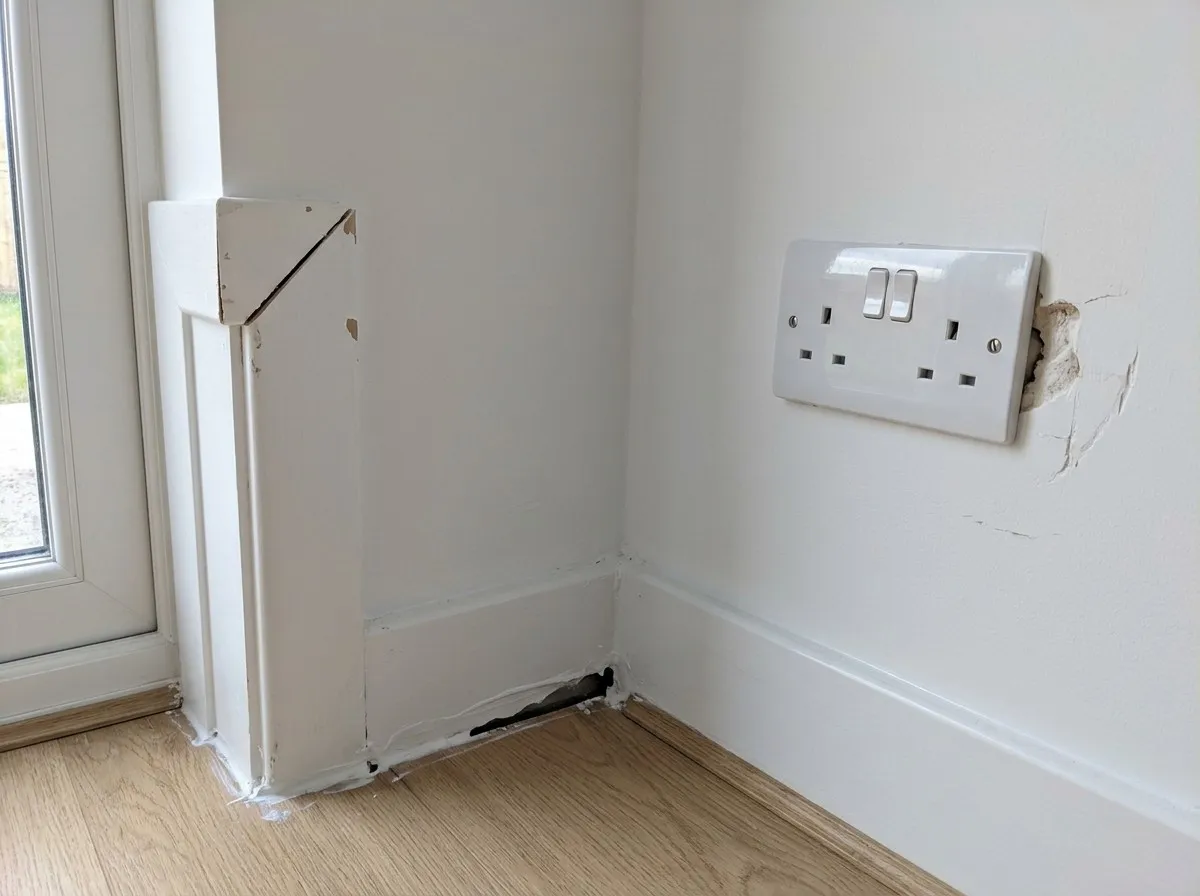
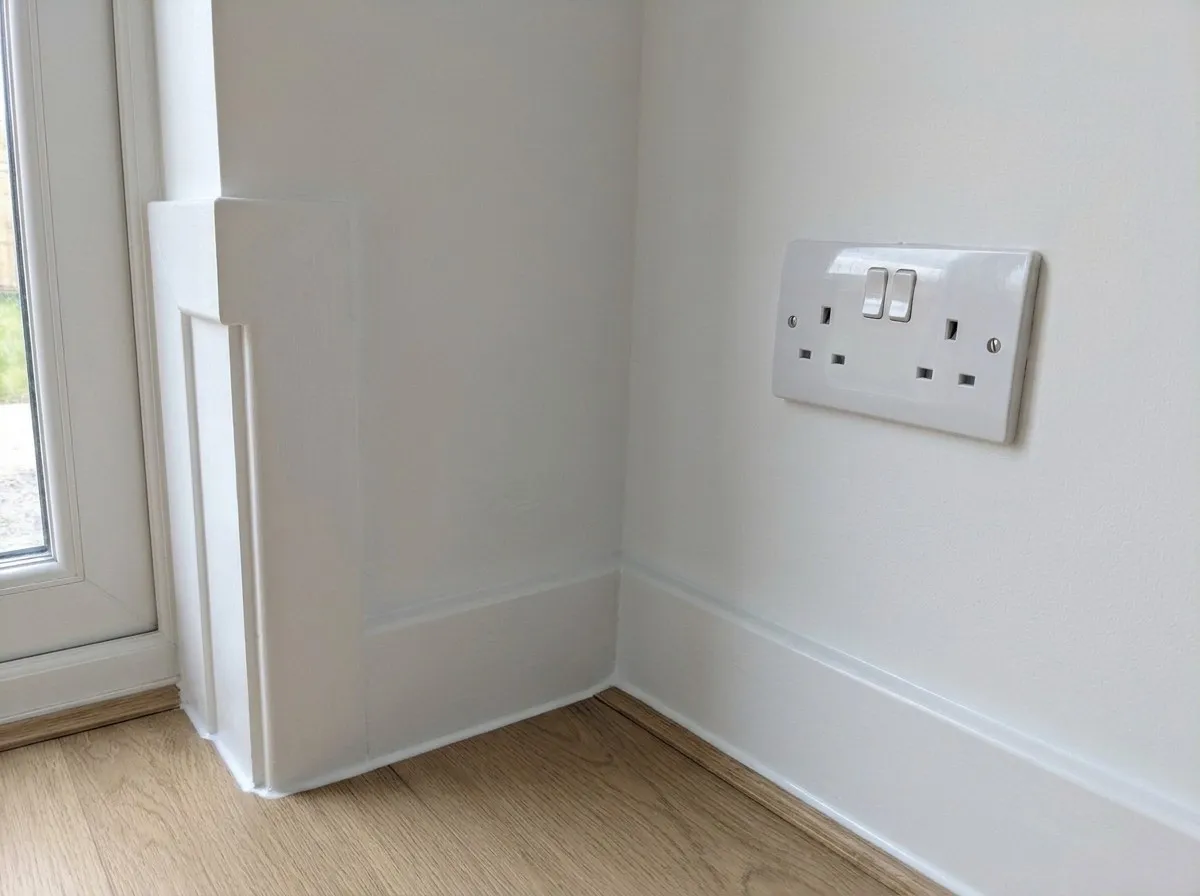
Drag across to see the re-check. Example snags on a new-build plot.
Built for real UK plots and subcontractors
Getting subcontractors to download another app, create a password and remember their login never works on a busy site. With Site Genie, only you need an account.
Send each trade their own private link by WhatsApp, text or email. It opens their outstanding snags straight in their phone's browser with boxed photos, plot and room locations, and due dates — and automatically stops working after 60 days.
35-second walkthrough: snap, share by link, and re-check.
Boxed & numbered defects
Every defect spotted in your photo is highlighted with a numbered box and logged with severity, plot, room and trade.
One-link subcontractor lists
Share outstanding snags per subcontractor via WhatsApp, SMS or email. Zero logins or app store downloads for your team.
Photo re-check comparison
When a trade says a snag is sorted, take an after-photo. Site Genie compares it side-by-side against the original before you sign it off.
PDF reports & CSV snag register
Keep a live snag register across plots and trades, and export branded PDF snagging reports or CSV registers whenever you need them.
Step by step
How photo snagging works on site
- 01
Take a photo on the plot
Open Site Genie from your phone's home screen, snap the work, and review the numbered defect boxes.
- 02
Assign trades & share one link
Group snags by subcontractor and send each person their private 60-day browser link in seconds.
- 03
Re-check & close out
Snap the finished fix to compare against the original photo, mark it closed, or export your PDF handover report.
Questions
Good to know
Do subcontractors need a Site Genie account to see their snags?
No. You send each subcontractor a private link by WhatsApp, text or email. It opens their assigned snags directly in their mobile browser with photos, plot/room details and due dates, and expires after 60 days.
Do I need to download Site Genie from the App Store or Google Play?
No. Site Genie runs in your phone's browser on iPhone, iPad and Android. Add it to your home screen in two taps and it opens full screen like a native app.
Can I export a PDF snagging report for a client or site handover?
Yes. You can filter your snag register by site, plot, trade or status and export a clean PDF snag report or CSV spreadsheet at any time.
Try Site Genie on your next plot
200 free credits when you sign up, every feature included, no card needed, and nothing to install from an app store.